WordPress 7.0 AI, I think, is the future of editing in WordPress. Most of the conversation around AI and WordPress has been happening at the plugin level. Yoast adds an AI writing assistant. Rank Math gets smarter suggestions. A dozen other tools start dropping “AI-powered” into their feature lists. For a while, it felt scattered, every plugin doing its own thing in its own corner of your site.
WordPress 7.0 starts to change that. And if you look at what is actually being built here, it is more significant than a single new dashboard screen.
What Changed in 7.0, and Why It Is Different This Time
The new AI Connectors Dashboard, found under Settings → Connectors in your WordPress admin, is not a feature in the traditional sense. It is infrastructure. It is WordPress saying, here is where AI connections live on your site, all of them, in one place.
Right now it shows three native AI services you can connect to: Anthropic’s Claude, Google AI Studio, and OpenAI’s ChatGPT. Install a connector plugin, add your API key, and that service is linked to your site. A separate AI plugin then surfaces those connections as actual tools inside your editor, things like title generation, featured image creation, and content assistance.
That is how it works today. But the more interesting question is what this setup is actually pointing toward.
Why This Matters to Regular Users, Not Just Developers
If you are a content creator who uses WordPress, you have probably already run into the AI patchwork problem. You are paying for AI features inside one SEO plugin. Your page builder has its own AI assistant. Your image tool has something else. None of them talk to each other, and you have API keys scattered across settings screens you visit maybe twice a year.
The Connectors Dashboard is a direct response to that fragmentation. The idea is that you connect your preferred AI service once, in one place, and that connection becomes available across WordPress and the plugins that choose to support it.
That is a meaningful shift for everyday users. It means less setup, less duplication, and eventually, less paying for the same capability twice across different tools. The site owner who just wants AI to help them write faster should not need a developer to sort out which plugin talks to which service.
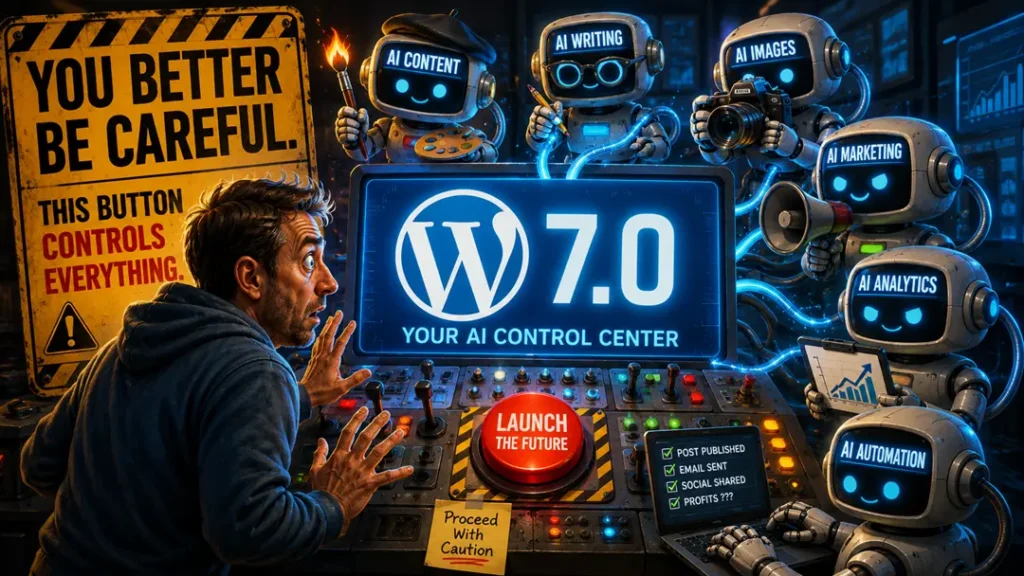
WordPress as an AI Control Center
Think about what this structure could look like a year or two from now. The Connectors Dashboard already supports third-party entries. If you have Akismet installed, it shows up there alongside the native three. That is not a coincidence; it is a signal that WordPress is building toward a standard.
Imagine a future where any plugin that wants to use AI on your site does so through this single layer rather than maintaining its own separate connection. Your SEO plugin, your image tools, your form builder, your chatbot widget, all drawing from the same connected service, all managed from one screen. You update your API key once and everything that depends on it just works.
That is what a true AI control center looks like. WordPress 7.0 is not that yet, but the architecture being laid down now is exactly what would make it possible.
You Are Still Completely in Charge
Before any of this starts sounding like something being done to your site without your knowledge, it is worth being direct: none of this is on by default.
The Connectors Dashboard is part of WordPress core, but it sits there doing nothing until you choose to act on it. No connector plugins are installed automatically. No API keys are going anywhere. No AI is running on your content. If you upgrade to WordPress 7.0 and never visit that settings screen, your site is unchanged.
The AI plugin that actually enables editor features requires a separate install, and even then, every individual feature is toggled off until you turn it on. The opt-in design here is deliberate, and for good reason. This is new technology touching your content, and WordPress is letting you decide the pace.
If you want to explore before committing anything to a live site, WordPress Playground at playground.wordpress.net is a no-stakes environment where you can connect services, install the AI plugin, and see how it all fits together without touching anything real.
A Few Things Worth Watching
The current connector lineup is three services at launch. That number will grow. As more AI providers emerge and as the cost of running these models continues to shift, having a neutral, provider-agnostic connection layer inside WordPress becomes more valuable, not less. Site owners will be able to swap services or run multiple ones without rebuilding their setup from scratch.
The overlap question is also going to get more interesting. Right now, if you are using paid AI features inside Yoast or Rank Math, some of what WordPress now offers natively covers similar ground. That tension is only going to increase as the native tooling matures. It is not necessarily bad news for the plugin ecosystem, but it will push those tools to differentiate on depth and specialization rather than just access to AI.
And then there is the broader question of where WordPress sits in the AI conversation long term. It powers a significant portion of the web. If it becomes the standard layer through which AI connects to content sites, that is not a small thing. The decisions being made right now about how this infrastructure is designed, who can plug into it, and what users can control, will matter well beyond any single feature release.
Let’s Wrap This Up
WordPress 7.0’s AI Connectors Dashboard is easy to overlook as just another settings screen. But the thinking behind it is worth paying attention to. It is an attempt to bring some order to what has been a messy, fragmented AI landscape inside WordPress, and to give site owners a single, consistent place to manage how AI connects to their content.
Whether you are ready to connect anything today or not, understanding what is being built here puts you ahead of the conversation. Your audience is going to ask. Your clients are going to ask. And when they do, the answer is not “WordPress added AI,” it is “WordPress added a foundation, and here is what that actually means for your site.”